Problems installing Airis-C?
Check our guide for information on troubleshooting the most common installation issues with Airis-C
Cooker power does not shut down
- Retry with the same cooker plate and ensure that the plate is set on highest power level.
- With an induction hob use a suitable dish so that the cooker is consuming power.
- Check all wiring of the power control unit.
Cooker cannot be turned on after pressing the OK button
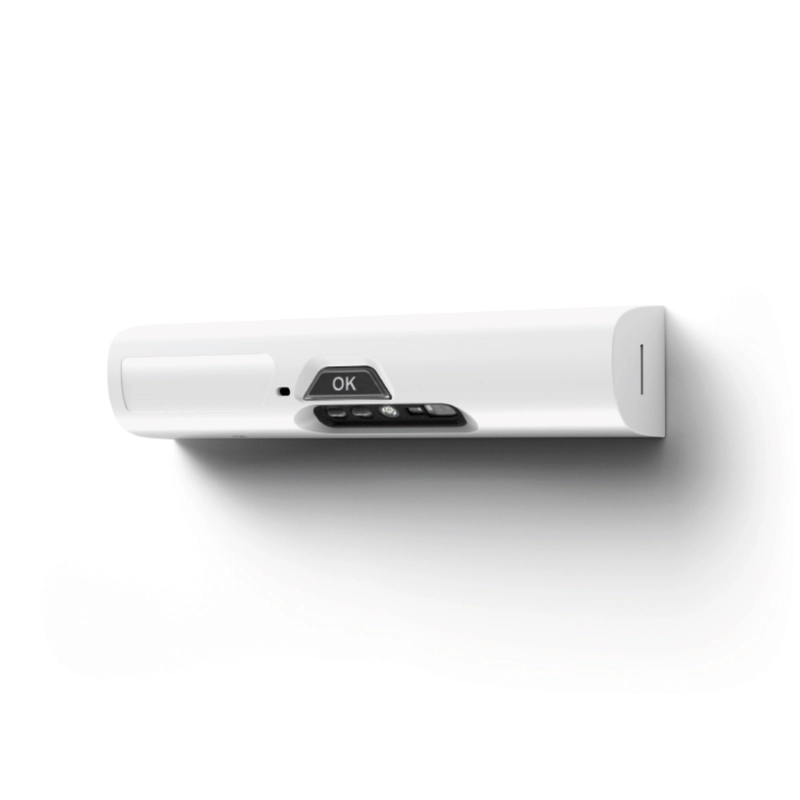
See user manual chapter 3.2. If the problem persists, the appliance might be faulty. Press the OK button to find out the problem type by the indicator light:
Indicator light blinks blue:
- Blinks once: Problem with wireless connection.
- Blinks twice: Problem with power control unit.
- Blinks three times: Power control unit C overheating.
Indicator light blinks yellow:
- Blinks once: Problem with sensors.
- Blinks twice: Problem with Multisensor unit
- Blinks three times: Faulty installation position of the Multisensor unit.
Indicator light blinks red:
- Blinks three times: Problem with mounting bracket.
- Blinks three times: Faulty installation position of the Multisensor unit.
Faulty installation position of the sensor unit
The Multisensor unit will automatically recognize its installation position during the first time the cooker is used for cooking. After the auto-recognition is completed, the stove guard will prevent the use of cooker and oven if the Multisensor unit is removed from its original installation position.
To enable use of the cooker, place the sensor unit A back to the mounting bracket.
If the problem persists, the auto-recognition might not have been successful. Ensure the correct position of the Multisensor unit and manually reconnect the wireless connection according to the installation manual chapter 4.2.
The fault should be then corrected automatically in two minutes.
Faulty or old mounting bracket
Multisensor unit is not installed properly into the mounting bracket, or the mounting bracket is an older
version. Remove it and changed the new one (included in package)
The wireless connection is not working
Go into the Manual adjustment mode and set up the wireless connection manually, refer to chapter 4.2 of the installation manual.
Multisensor unit is not responding to any button and none of the indicator lights are lit
Ensure that the batteries are not empty. Check the correct position of the batteries marked
on the bottom of the battery case.
The appliance turns off the power from the cooker, but the power comes back on immediately
Make sure that the power control unit is connected correctly - the cooker should be connected to the OUT cable.

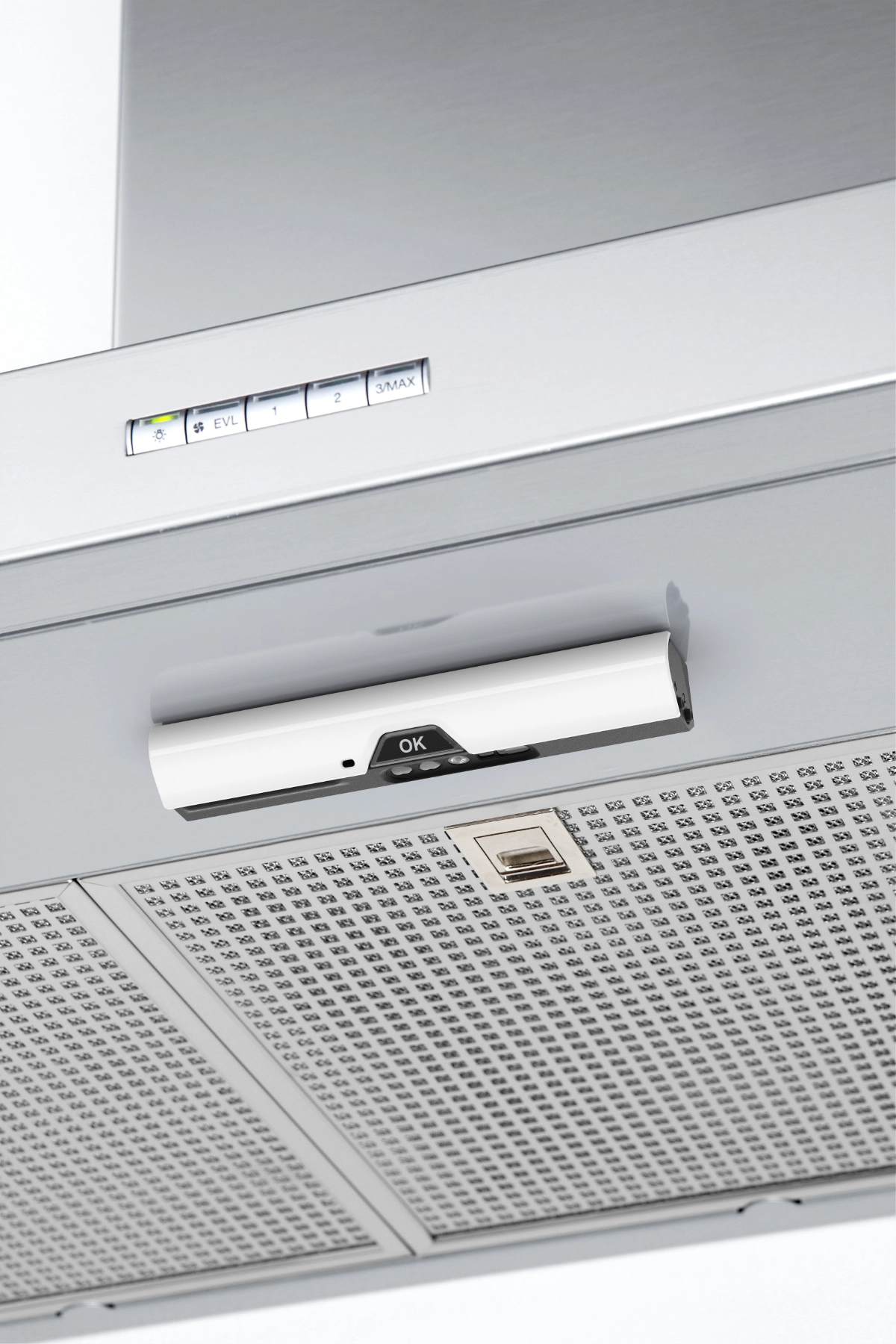

 Flexible mounting options
 Trusted by 25 major accommodation providers